
Need light inside a dark cabinet, closet, or kitchen shelf but there’s no outlet nearby? A wireless rechargeable under-cabinet light with a motion sensor solves that without an electrician: it mounts with no wiring, charges over USB, and turns on automatically when it senses movement — then shuts off on its own to conserve battery. The MiniHouzz model is offered in three lengths and two color temperatures so you can match it to the space.
This guide covers what the fixture is made of, how the motion sensor and USB battery work, how 3000K and 6000K differ, and how to pick between the 8 in, 16 in, and 24 in versions. See the MiniHouzz wireless motion-sensor cabinet light →
What this under-cabinet light is
This is a slim rechargeable LED under-cabinet light with a downward light direction and a built-in motion sensor. It comes in three lengths — 8 in (20.3 cm), 16 in (40.6 cm), and 24 in (61 cm) — with housing in silver or black. The LED light source is built in (included), so there is no bulb to buy or replace. Power comes from a USB-rechargeable 3.7V battery, and the fixture is intended for indoor use.
Check availability and both finishes →
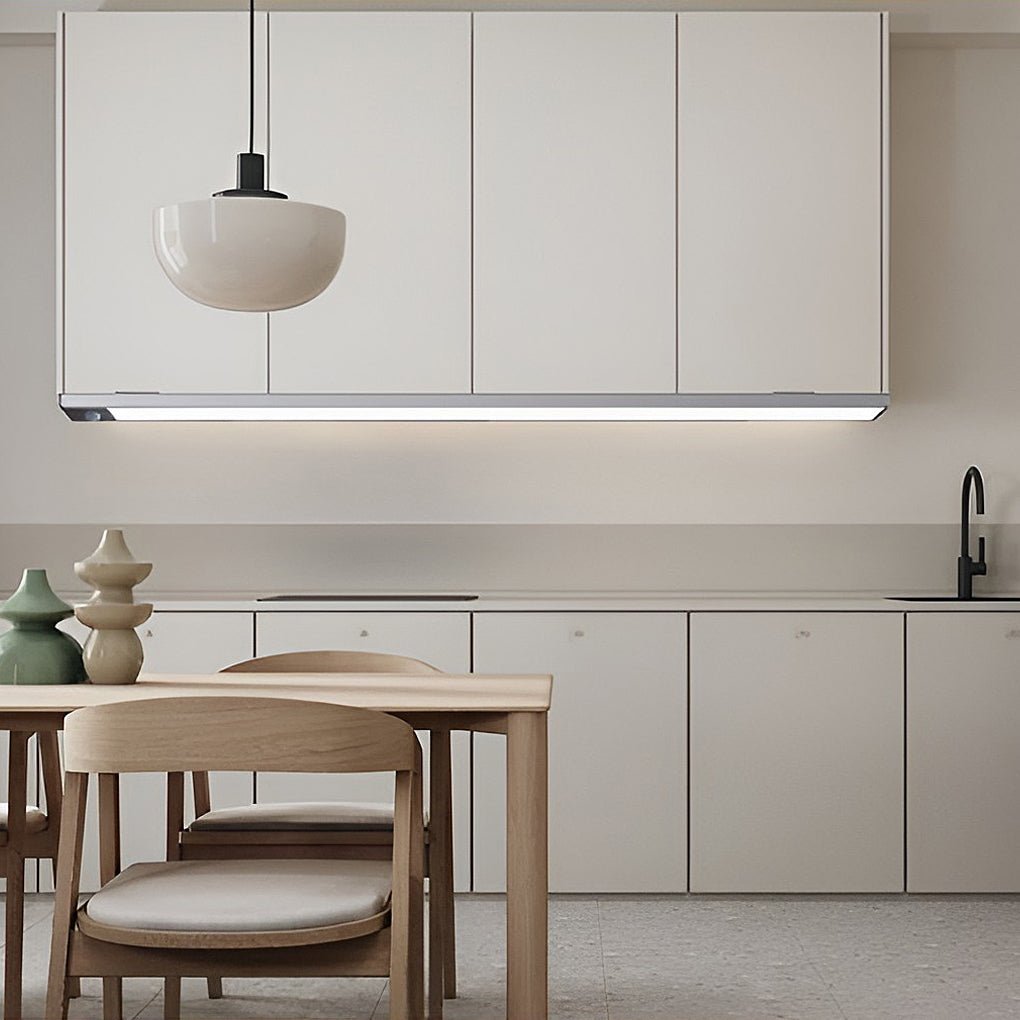
Design and materials
The housing is ABS with aluminum (ABS+AL), finished in a modern, ultra-thin profile. That combination is a sensible choice for a cabinet light: the aluminum adds rigidity and a clean metal-look finish in silver or black, while the ABS keeps the body light enough to sit unobtrusively under a shelf.
Because the design is wireless and rechargeable, there is no power cord to route behind cabinets or through walls — which is what makes it practical for rentals, finished kitchens, and closets where adding an outlet isn’t realistic. The finish is mostly about the space: silver tends to disappear against light cabinetry and stainless appliances, while black reads as a deliberate accent against white or wood interiors.
How the motion sensor and USB battery work
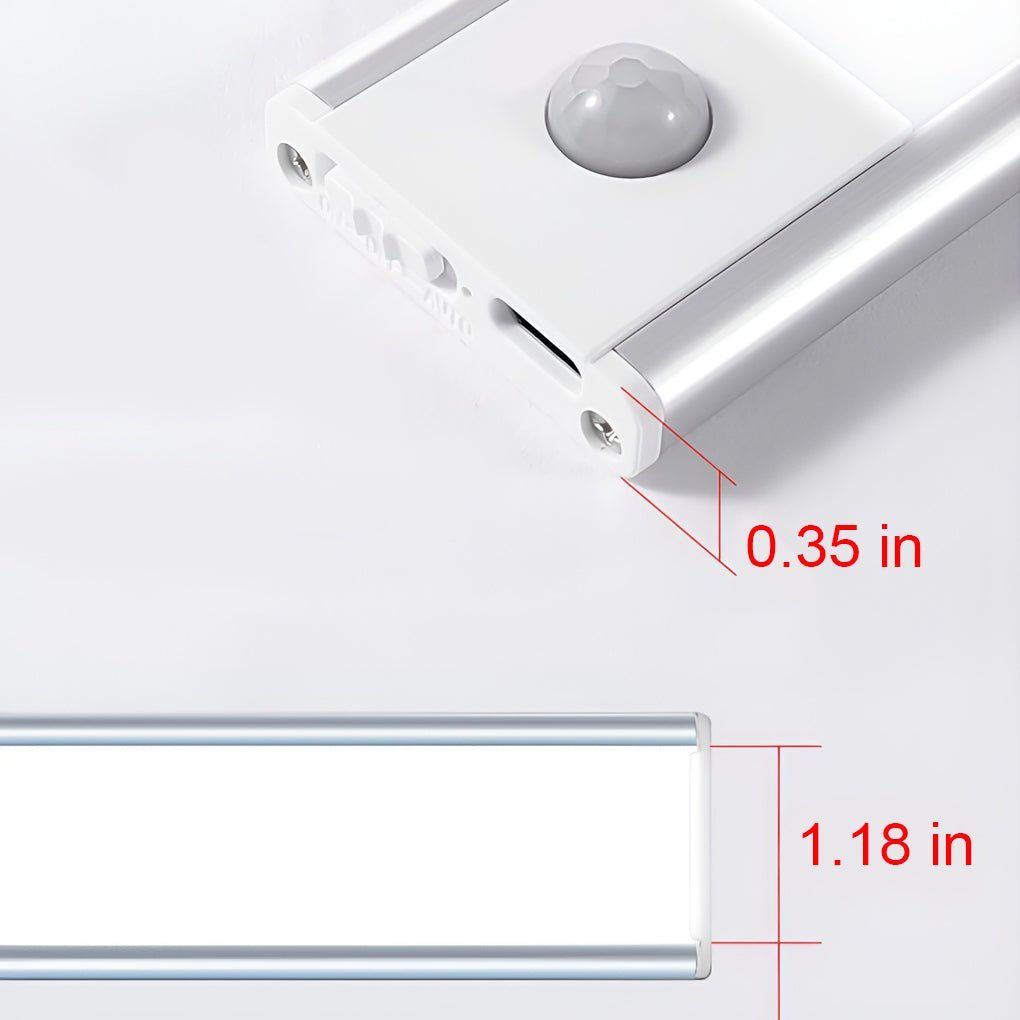
The switch is the motion sensor itself. Per the manufacturer, the light activates automatically when movement is detected and turns off after a period of inactivity — which is what keeps a rechargeable fixture from draining while the cabinet is closed and empty.
- Hands-free operation: useful when your hands are full — carrying groceries, reaching into a wardrobe, or moving through a hallway at night.
- USB rechargeable: the input is USB DC5V, so you charge it from a USB port or adapter rather than wiring it into the mains.
- Battery scales with size: the built-in 3.7V battery is rated 800 mAh on the 8 in, 1100 mAh on the 16 in, and 1500 mAh on the 24 in, so the longer, higher-output versions also carry more capacity.
- Not dimmable: brightness is not adjustable, so plan your layout around a fixed output rather than a dial.
View the rechargeable motion-sensor cabinet light →
Light quality: 3000K vs 6000K
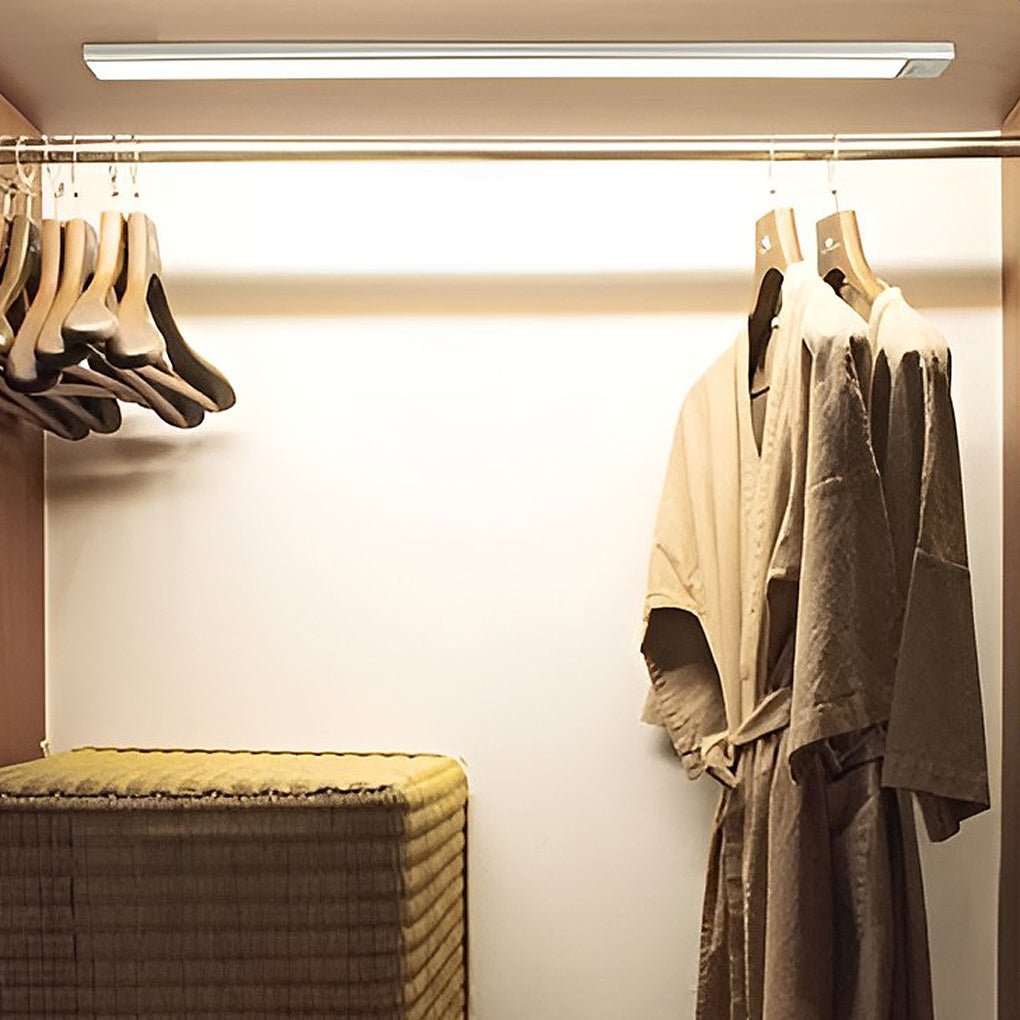
This fixture is offered in two color temperatures, chosen at purchase: White (6000K) and Warm White (3000K). Color temperature is fixed once you buy — there is no sliding scale on the unit — so this is the one decision worth getting right before ordering.
- 3000K warm white looks softer and more residential. It is the natural fit for bedrooms, wardrobes, stairwells, and anywhere you want the light to read as cozy rather than clinical.
- 6000K white is crisp and neutral-to-cool. It suits kitchens, work counters, offices, and utility areas where you want maximum visual clarity on what you’re doing.
Output also rises with length: the 8 in runs at 1.2W, the 16 in at 2.4W, and the 24 in at 3.6W. In practice, a shorter unit is usually enough for a small cupboard, while a longer one covers more of a counter or wardrobe run.
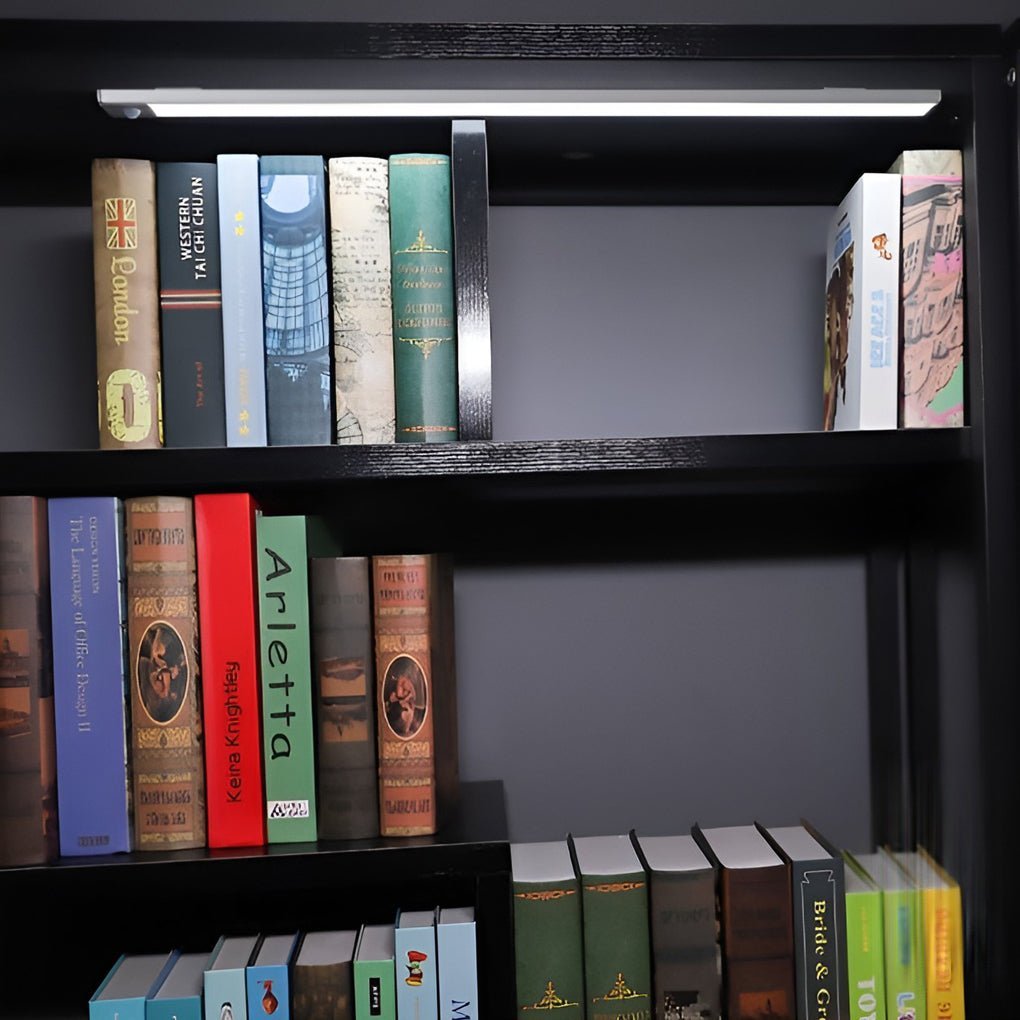
Where to use it, and how to install it
Under kitchen cabinets
The classic use. Position the light on the underside of the upper cabinet, set back a little from the front edge so the light falls onto the countertop rather than into your eyes. This is where the 6000K option tends to make sense — cool white keeps colors and textures easy to read while you prep.
Closets, wardrobes, and stairs
In a wardrobe or reach-in closet, mount it high and facing down so the motion sensor catches you as you open the door or step in. On stairs and in hallways at night, a fixture that turns itself off after you pass is the whole point — you get light only when it is needed. The manufacturer lists these fixtures for children’s rooms, aisles, bedrooms, toilets, living rooms, wardrobes, and cabinets.
Practical mounting tips
- Height: in most kitchens the clearance between counter and upper cabinet is around 18 in, so fixing the light to the cabinet underside places it at roughly that working distance. Follow your own cabinet dimensions and any local electrical guidance.
- Position: keep the light near the front third of the cabinet base so the downward beam lands on the counter, not the back wall.
- Multiple units: for a long run of cabinets, many people space several shorter units evenly rather than stretching one; start around 12–24 in between fixtures and adjust to taste.
- Indoor only: this model is not rated for outdoor or wet environments, so keep it away from open water and weather — including fully exposed bathroom zones.
Choosing the right length
| 8 in (20.3 cm) | 1.2W · 800 mAh | Small cabinets, nooks, single shelves |
| 16 in (40.6 cm) | 2.4W · 1100 mAh | All-rounder: standard cabinets, closets |
| 24 in (61 cm) | 3.6W · 1500 mAh | Long counters, wider wardrobes |
Quick checklist before you order:
- Measure the run you want to light (cabinet width, closet depth, or stair width).
- Pick 3000K for warm, bedroom-adjacent spaces and 6000K for task and utility light.
- Decide the finish — silver to blend in, black to accent.
- Confirm you want hands-free motion sensing and a fixed, non-dimmable output.
Specifications at a glance
| Type | LED under-cabinet light (wireless, rechargeable) |
| Style | Modern |
| Fixture material | ABS + aluminum (ABS+AL) |
| Fixture color | Silver, Black |
| Light source | LED (included) |
| Number of lights | 1 |
| Light direction | Down |
| Power output | 8 in: 1.2W · 16 in: 2.4W · 24 in: 3.6W |
| Color temperature | White (6000K) or Warm White (3000K) — selected at purchase |
| Dimming | No brightness or color-temperature dimming |
| Switch | Motion sensor |
| Input voltage | USB DC5V |
| Battery | 3.7V · 800 / 1100 / 1500 mAh (by length) |
| Power source | USB rechargeable |
| Use | Indoor only (not for outdoor or wet environments) |
| Certifications (as listed) | UL Certified · ETL Listed · CE Approved · RoHS Compliant · FCC Certified |
FAQ
How does the motion sensor work?
Per the manufacturer, the built-in sensor activates the light when it detects movement and switches it off after a period of inactivity, which conserves battery between uses.
Is it dimmable — and can I change the color temperature?
No. This model does not support brightness dimming or color-temperature adjustment. You choose either White (6000K) or Warm White (3000K) at the time of purchase.
How do I recharge it?
Charge it over USB (DC5V) using a USB cable and power source. The battery is 3.7V and rated 800 mAh (8 in), 1100 mAh (16 in), or 1500 mAh (24 in) depending on length.
Can I use it outdoors or in a wet area?
No — it is designed for indoor use only and is not rated for outdoor or wet environments.
Which length should I choose?
Match it to the run you are lighting: the 8 in (1.2W) suits small cabinets and nooks, the 16 in (2.4W) is a good all-rounder, and the 24 in (3.6W) covers longer counters and wardrobes.
The takeaway
If you need practical, hands-free light in cabinets, closets, and hallways without running wire, a rechargeable motion-sensor LED fixture is one of the simplest upgrades you can make. This MiniHouzz model keeps it straightforward: three lengths, two color temperatures, USB recharging, and a motion sensor that turns the light on only when it is needed.
Shop the MiniHouzz wireless rechargeable motion-sensor cabinet light →